SPY TradingView Setup: The 5 Levels Day Traders Mark Every Morning

Quick answer: A spy tradingview morning setup uses prior-day high, prior-day low, premarket high, premarket low, and session VWAP to organize decisions before and after the open. Mark the fixed references before the bell, then let regular-session VWAP develop; don't pretend its opening value exists beforehand. This is a repeatable preparation method, not a trade signal.
Key takeaways
- TradingView helps day traders and scalpers organize levels, alerts, and session context.
- SPDR is the fund provider; the S&P benchmark and its tradable fund are different instruments.
- Extended-hours visibility is necessary for identifying premarket extremes.
- Session VWAP needs an explicit session definition.
- Price alerts prompt review; they don't authorize an order.
- FullStack Alpha favors a saved workspace over another indicator subscription.
What is SPY? Fund info, profile, and classification
SPY is an exchange-traded fund that gives investors exposure to the S&P benchmark through tradable shares. A spy tradingview workspace displays those shares and related analysis; it doesn't turn the benchmark itself into a security you can buy.

SPDR S&P 500 ETF Trust: about the fund
The listed product is the State Street SPDR S&P 500 ETF Trust. Search the symbol and inspect its instrument description on TradingView, rather than trusting an abbreviated search snippet.
SPY provides broad U.S. equity exposure, rather than exposure to a single operating company. Its classification differs from individual stocks, futures, and contracts for difference. A listing marked AMEX on the platform should still be checked against the broker instrument you intend to trade.
Key stats and stock snapshot
Stat block: software release. TradingView’s charting-library release 32.2.0, dated September 11, 2026 included session-highlighting and series-value changes. Library releases concern embedded software; they don't prove every retail interface has identical controls.
For the actual stock snapshot, verify the last price, timestamp, session, currency, and feed. Market data availability can differ across subscriptions and venues. Don't copy a quote into a plan without checking its time.
What's in this fund? Sectors and top holdings
Inspect current holdings and sector weights before assigning a market move to “everything.” Large constituents can dominate a cap-weighted basket even when other stocks are weak.
Average annual return and seasonals
Long-term average annual return is not an intraday entry rule. For funds, compare matching dates and distinguish distributions-reinvested returns from a simple price chart.
Seasonals can frame a week, including September, but don't let a calendar tendency overrule current price action. A spy tradingview layout should help you see today, not borrow certainty from last year.
How do you set up a spy tradingview chart for day trading?
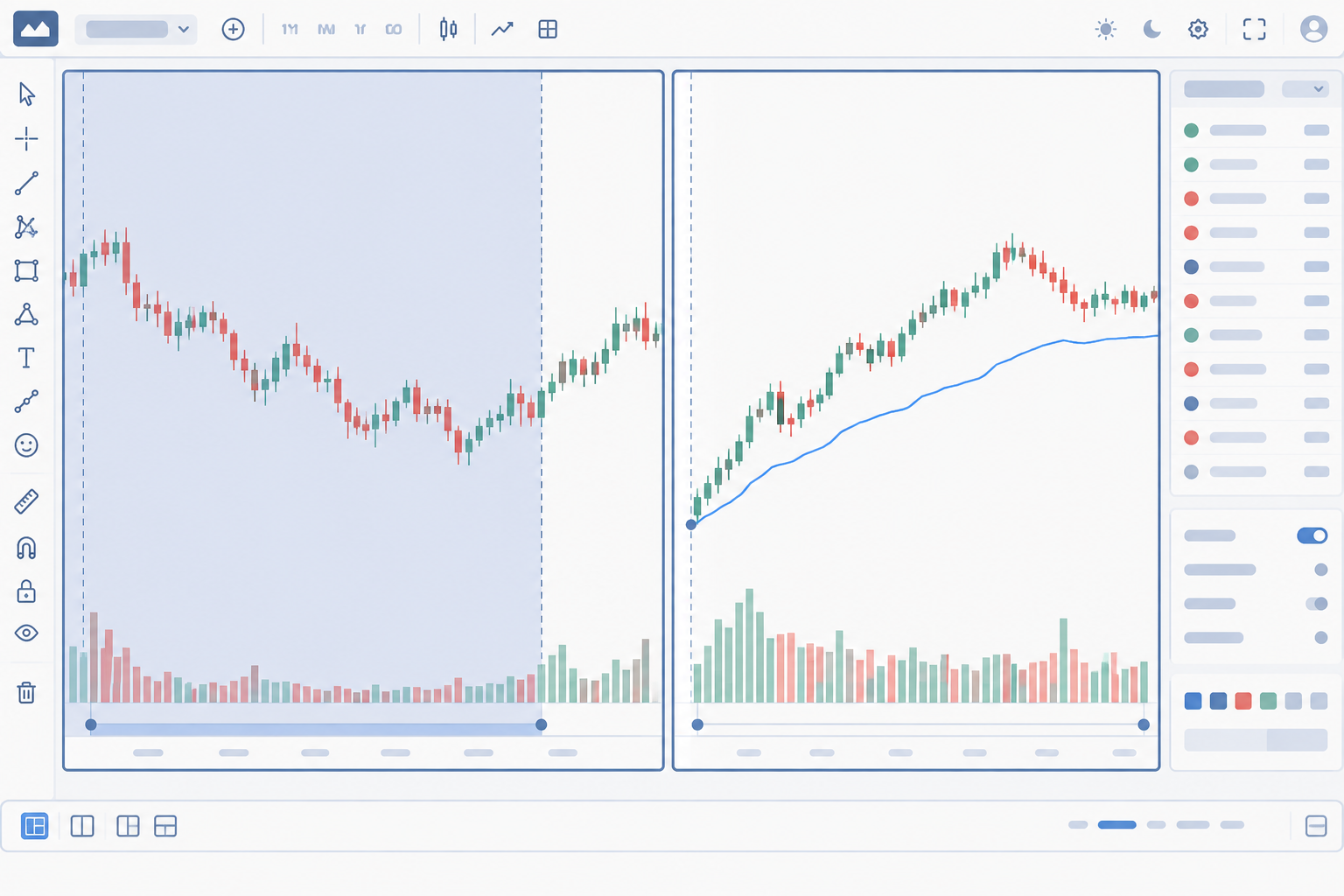
Open the exchange-listed fund, choose ordinary candles, confirm the feed, and save separate extended-hours and regular-session views. The spy tradingview setup is most useful when both views share drawings but retain explicit session settings.
First: verify the symbol, login, and market data
Use TradingView Search, select the instrument, then open Chart. A search for “AMEX SPY” is a starting point; verify the description rather than treating that phrase as a universal broker symbol.
For a SPY live chart TradingView search, “live” deserves scrutiny. A moving quote can still represent a different feed from your broker. Check the platform’s available market coverage and your broker quote before execution.
A spy tradingview login lets you save account-based workspaces. Platform plans and exchange subscriptions are separate purchasing decisions; review the TradingView Essential plan limits before paying.
Premarket setup and the time to mark levels
Enable ETH through the intraday session control or Chart Settings → Symbol, following TradingView’s extended-hours instructions. Set the display timezone to New York and use the same premarket window every day.
Mark the prior session first. Update premarket extremes shortly before the regular open, then freeze them when that session ends. On Monday, “prior day” usually means Friday, unless a holiday changes the last completed session.
Stat block: session coverage. Eligible symbols can display 24-hour sessions across 5 weekdays. Overnight bars and conventional premarket bars are not interchangeable.
For this spy tradingview method, don't silently extend premarket into the overnight session. Document your chosen window. A different window produces different highs and lows.
Best indicators: start with session VWAP
Use ordinary candles, volume, and session VWAP. An optional SMA, or simple moving average, smooths observations equally; an EMA, or exponential moving average, gives recent observations more weight.
A 1-minute execution view and 5-minute context view are suggested workspace choices, not validated performance settings. An optional 20-period SMA adds context, but don't convert it into another mandatory level.
TradingView warns against Session VWAP on a 1D timeframe because it resets each bar. Keep the calculation intraday.
Which 5 levels do day traders mark on SPY every morning?
The five references are prior-day high, prior-day low, premarket high, premarket low, and regular-session VWAP. Four are fixed after their measurement windows close; the fifth develops during the current session.
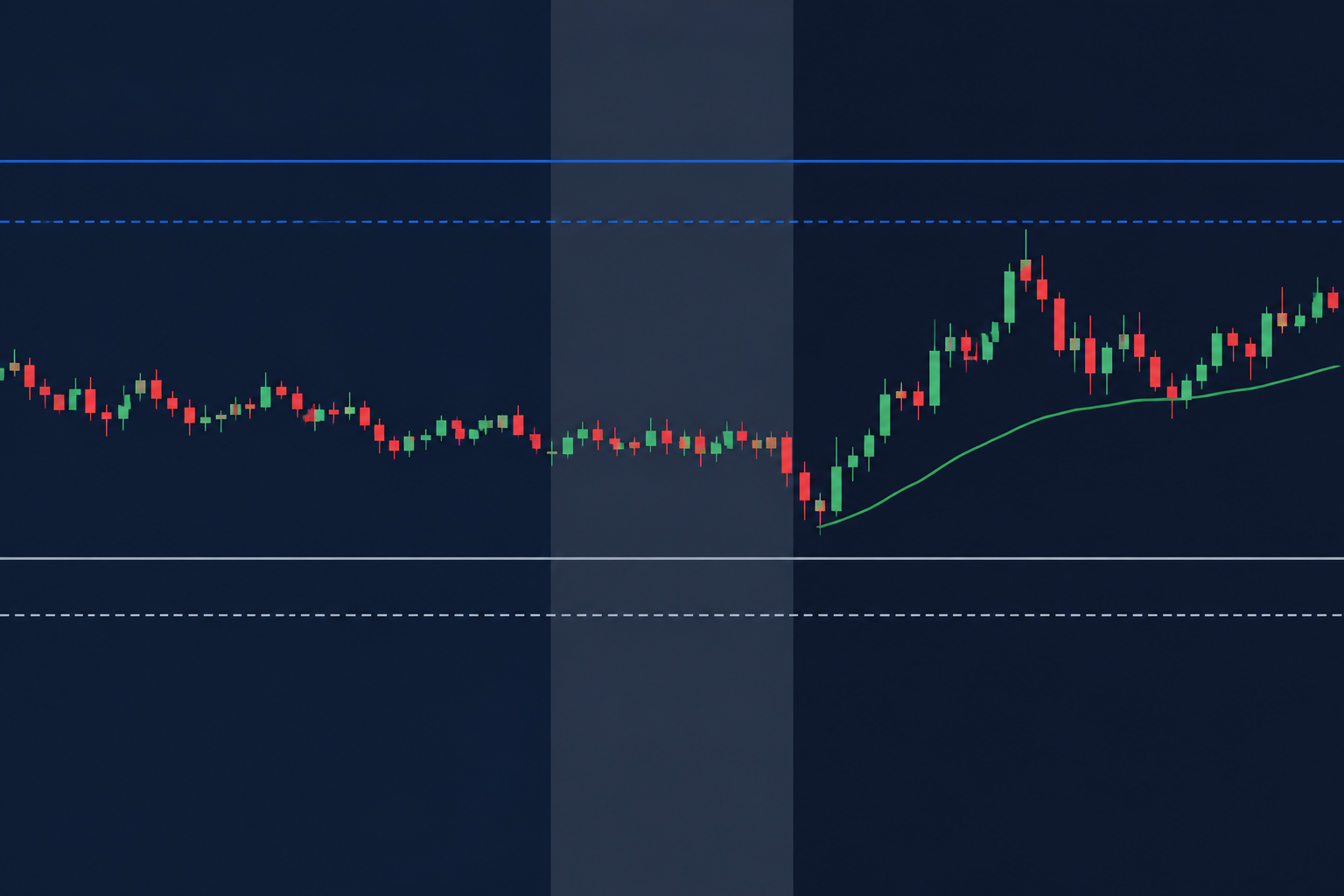
This spy tradingview method uses the platform’s drawing tools and documented VWAP calculation. The selection is an editorial workflow, not a claim that every professional marks identical levels.
| Level | Calculation | Drawing method | Opening use | Trader fit |
|---|---|---|---|---|
| Prior-day high | Last regular-session maximum | Horizontal ray at exact high | Overhead resistance reference | Day trader |
| Prior-day low | Last regular-session minimum | Horizontal ray at exact low | Downside support reference | Day trader |
| Premarket high | Selected premarket maximum | Dashed horizontal ray | Early demand boundary | Scalper |
| Premarket low | Selected premarket minimum | Dashed horizontal ray | Early supply boundary | Scalper |
| Session VWAP | Cumulative volume-weighted average | Built-in VWAP indicator | Current-session context | Both |
Prior-day high: mark resistance without predicting rejection
Switch to regular-session candles and locate the last completed session’s highest wick. Add a horizontal ray, open its coordinates, and enter the exact value.
Label the reference PDH. A move above it can attract attention, but resistance is a hypothesis. Wait for acceptance above the boundary or rejection below it; a brief print alone proves little. Use platform drawing controls, not a freehand guess.
Prior-day low: define downside context
Repeat the process at the lowest wick and label it PDL. Don't include after-hours candles in a regular-session measurement.
If SPY loses this reference, the next decision is whether price stays below or reclaims it. Support & resistance can change roles. Buying merely because a line exists can become catching a falling knife. Keep session visibility consistent.
Premarket high: capture early resistance
Activate extended hours, isolate the chosen premarket window, and mark its highest wick as PMH. Refresh it until the regular open.
Thin participation can produce an isolated extreme. Don't delete that print because it looks inconvenient; investigate the feed and compare your broker. Extended-hours coverage determines what the chart can measure.
Premarket low: capture early support
Mark the lowest wick in the same window as PML. Using different windows for the high and low quietly changes the setup.
Tight consolidation means candles clustering in a narrow area. Basing means repeated stabilization. Neither guarantees support will survive. A spy tradingview plan should distinguish a reclaim from a weak bounce into resistance.
Session VWAP: configure the live reference
Add the built-in Volume Weighted Average Price indicator and choose Session. VWAP weights observations by volume rather than treating every observation equally, as explained in TradingView’s documentation.
For regular-session VWAP, use the regular-session pane. Don't assume an extended-hours calculation excludes premarket. Before the open, save the indicator configuration; today’s regular-session average does not yet exist.
Above a rising VWAP can support a long thesis. Below a falling VWAP can support a short thesis. Crossing repeatedly suggests choppy tape, not permission to keep clicking.
Which spy tradingview setup fits day traders, swing traders, scalpers, and long-term investors?
The full morning routine best fits day traders and scalpers. Swing traders can retain the daily context, while long-term investors usually need fund research and portfolio decisions more than intraday alerts.
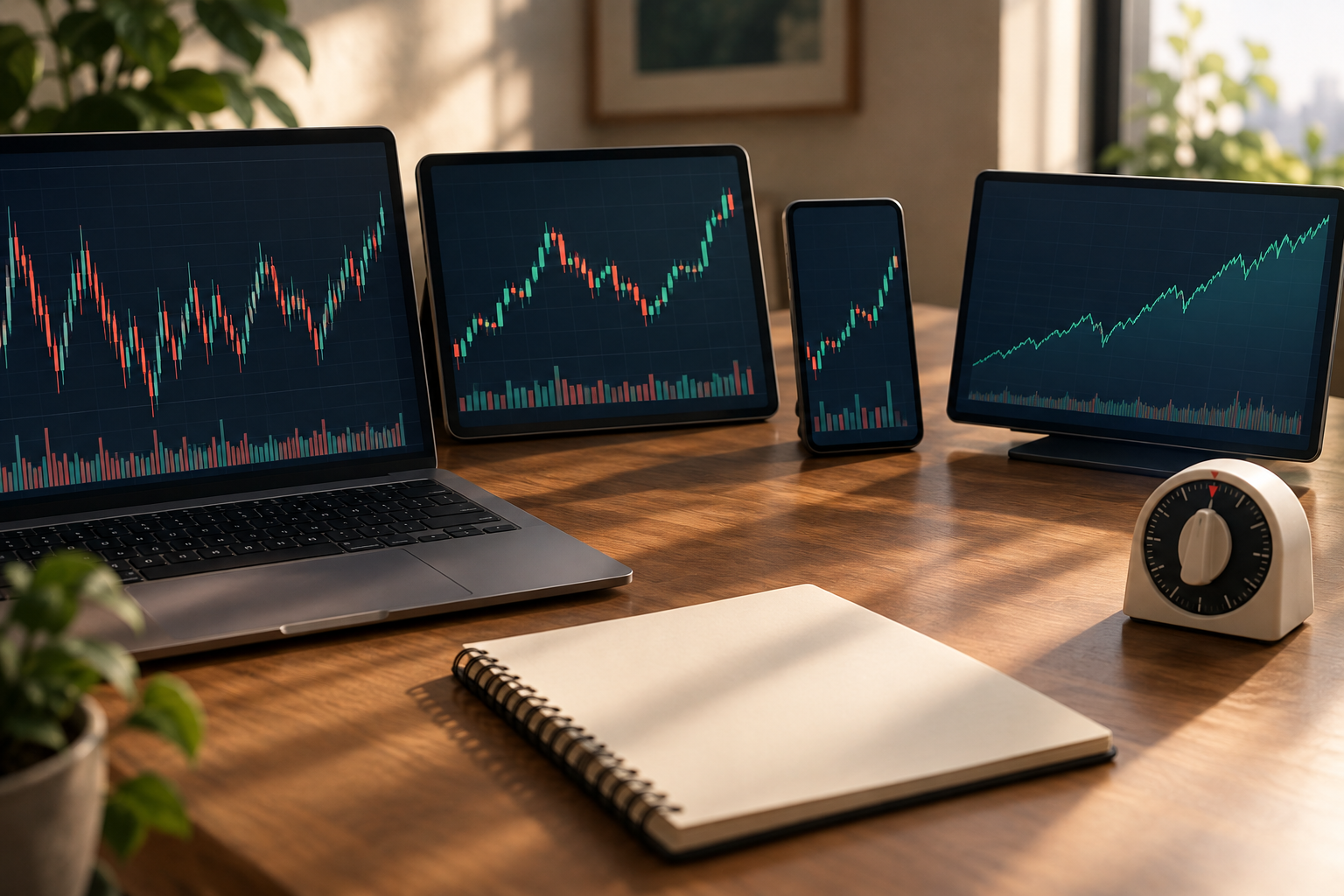
How do day traders use the setup?
A day trader watches whether price accepts or rejects a marked boundary, then defines entry and exit before placing an order. A scalper needs tighter execution checks because spread and slippage consume more of a short move.
A spy tradingview strategy for beginners should start in simulation using the platform’s practice environment. Don't confuse a clean screenshot with an executable fill.
For a hypothetical position-sizing example, $50 risk divided by a $0.25 stop distance permits 200 shares before costs. A $0.50 favorable move equals 2 times that initial per-share risk. These are arithmetic assumptions, not recommended sizing.
Compare with SPDR S&P funds and other ETFs
Compare ETFs by mandate, expense ratio, liquidity, and execution conditions. Similar S&P exposure does not produce identical share prices or option markets. Never transplant support levels between funds.
For a SPY option chain, inspect Yahoo’s contract listings and Investing.com’s chain. Separate volume from open interest. Neither identifies a guaranteed destination.
Stat block: margin transition. FINRA’s framework became effective June 4, 2026, with a transition through October 20, 2027. The new framework removes the universal $25,000 PDT minimum, but broker implementation controls your account.
Check broker restrictions today. Don't infer buying power from a social post.
Top 5 TradingView features for SPY day traders
The most useful features are session controls, precise drawings, alerts, indicator management, and a research workspace. Their value comes from reducing missed context, not promising better returns.
Session controls & accurate measurements
Session controls separate regular activity from premarket and overnight activity. The spy tradingview workflow fails if yesterday’s high includes hours that today’s comparison excludes. Review the session documentation.
Drawings & saved chart templates
Named rays and consistent colors make the morning process repeatable. Keep prior-session lines visually distinct from premarket lines. Saved layouts are among the platform’s workspace tools.
Alerts & defined decisions
An alert should say what requires inspection. “Crossed premarket high” is useful; “buy now” skips risk management. Platform changes should be checked against TradingView updates.
Technicals & indicator management
TradingView’s September 2026 update notes include indicator tables in separate panels and technical indicators in Screener chart view. Check availability in What’s New.
Stat block: VWAP anchors. The documented 8 anchor choices include Session, Week, Month, Quarter, Year, Earnings, Dividends, and Splits. A week anchor answers a different question from a session anchor.
Community forum ideas, news & education
TradingView SPY ideas can reveal competing scenarios, but don't treat likes as evidence. Read community scripts for transparent logic and platform news for product changes.
Keep SPY news and broader market news beside the calendar. During earnings season, large-company reports matter; during a Fed week, scheduled Fed events can disrupt otherwise tidy structure. A Fed headline does not wait for your indicator.
Popular stocks, similar marketcap, and newly listed names
A TradingView SPY scanner is mainly a context tool: scan constituent strength or related ETFs. Popular stocks, similar marketcap filters, and newly listed securities answer other questions.
SPY is not a low float stock. Don't import that playbook. For screening versus charting, see TradingView versus Finviz.
How does spy tradingview compare to competitors?
TradingView fits traders who prioritize chart organization across devices; broker platforms may suit traders who prioritize order handling. Compare the actual workflow, feed, and instrument rather than assuming one platform wins every task.
For desk research, consider thinkorswim for broker-linked options workflows, Webull for a broker-centered workspace, TrendSpider for automation research, and Benzinga Pro for news-focused monitoring. These are comparison candidates, not performance endorsements.
Consult TrendSpider’s backtesting review if rule testing matters. For TradingView, check the official platform and mobile listing.
The real drawbacks are separate exchange-data costs and plan-dependent alert or indicator limits. Community scripts also require review. A polished spy tradingview layout cannot repair a delayed feed or an order-routing problem.
How do you set SPY level alerts on TradingView?
Create an alert on the symbol or supported drawing, choose its condition, and verify the session, frequency, and expiry. A spy tradingview alert should trigger inspection, while your broker remains responsible for orders.
Use TradingView’s alert controls and confirm recent drawing support in platform updates. The update notes describe alerts for Long Position and Short Position drawings; availability should be checked in your account.
Can you automate the alerts?
Yes, notifications can be automated. Webhooks and outside services add dependencies, so don't equate an alert program with reliable order execution. Check current integrations before building around them.
Set crossing alerts for fixed references and an indicator condition for VWAP. Crossing and bar-close confirmation behave differently. The first reacts sooner; the second can reduce intrabar noise but reacts later.
Common mistakes and accuracy checks
TradingView accuracy depends on the selected feed, session, and instrument. Compare platform coverage with your broker before blaming a drawing.
In a spy tradingview routine, don't drag lines to fit a preferred thesis. Getting stopped out does not invalidate correct measurement. Revenge trading and overtrading usually worsen after traders rewrite the last decision.
A Fed week requires checking the calendar again today. Last week’s conditions may not survive another Fed announcement. Keep the watchlist short, and leave room to skip a bull trap: a breakout that reverses below resistance.
Frequently asked questions about spy tradingview
These answers separate instrument selection, research, and execution. A spy tradingview workspace can support decisions, but it cannot establish a profitable strategy by itself.
What is SPY in TradingView?
SPY is the symbol for the State Street SPDR S&P 500 ETF Trust on TradingView. Its page can show quotes, candles, technicals, and community ideas. Choose the exchange-listed instrument and inspect the session and feed. The platform provides analysis tools; your connected or separate broker handles execution.
Is SPY the same as S&P 500?
No. SPY is a tradable fund intended to track the S&P 500 benchmark; the benchmark is a calculated measure. Fees, distributions, and execution conditions create differences. In a spy tradingview comparison, use percentage performance over matching periods rather than comparing raw values on the charting platform.
Is SPY still a good ETF?
SPY remains a candidate for traders seeking broad U.S. equity exposure, but suitability depends on costs, liquidity needs, and holding period. Long-term investors should compare funds rather than assume the most familiar symbol is cheapest. Review the instrument on TradingView and read current issuer documents before deciding.
Can I find the S&P 500 index on TradingView?
Yes. Search for the S&P 500 benchmark and inspect the provider and instrument type before opening it. Related futures, funds, and broker derivatives may also appear. A spy tradingview versus S&P comparison should distinguish the benchmark from tradable proxies using the platform search.
Why does premarket look different from a broker?
The views may use different feeds, session windows, or instrument definitions. Check timezone and extended-hours settings first, then compare timestamps. Don't move a line simply to make both displays agree. TradingView’s extended-hours guidance explains visibility controls; the broker must explain its own quote coverage.
Should a beginner trade options from these references?
A beginner can study the underlying references without trading options. An option adds expiry, volatility, spread, and contract-selection risk to the underlying thesis. Inspect the option chain and practice the underlying workflow first. An accurate support line does not prevent an option from losing value.
Alpha Score: TradingView assessment
TradingView receives a FullStack Alpha score of 95/100. The provisional pillar split supports a positive assessment, while cost and execution limitations still deserve attention.
The breakdown is Signal Quality 19, Transparency 19, Price-to-Value 18, Usability 19, and Community Verdict 20, as associated with that linked review. The score comes from FullStack Alpha desk research plus public user sentiment, and the pillar split is provisional.
The lower value pillar fits the practical drawback: chart subscriptions do not necessarily include every required feed. A strong analysis interface still leaves session configuration and broker verification to you.
Conclusion
Save the spy tradingview workspace, verify session boundaries, and practice the same preparation routine before risking funds. Mark the fixed references, let regular-session VWAP form, and write the invalidation condition before any entry.
Keep a weekly review program. Record whether you followed the plan, not merely whether the last trade won. Don't add indicators to avoid reviewing mistakes.
This full stack alpha approach is for educational purposes only, not financial advice.
References
The sources below support platform, options, and software details. Dated product claims should be checked against the linked release history before publication.
Whats New - https://www.tradingview.com/support/whats-new/
Options - https://finance.yahoo.com/quote/SPY/options/
Id1205990992 - https://apps.apple.com/us/app/tradingview-track-all-markets/id1205990992
Tradingview News - https://fxnewsgroup.com/category/forex-news/platforms/tradingview-news/
es.tradingview - https://es.tradingview.com/scripts/spy/
Release Notes - https://www.tradingview.com/charting-library-docs/latest/releases/release-notes/
Spdr S P 500 Options - https://www.investing.com/etfs/spdr-s-p-500-options
Volume - https://optioncharts.io/options/SPY/volume
tradingview - https://www.tradingview.com/
Open Interest - https://optioncharts.io/options/SPY/open-interest
Compare tools by purpose in the FullStack Alpha AI stock tools directory before adding another subscription.
Affiliate disclosure: FullStack Alpha may earn a commission from qualifying purchases through affiliate links.
We test the tools. You get the verdict.
One email a week. What we tested, what scored, and what we'd skip. Written for traders, not for clicks.
More from FullStack Alpha