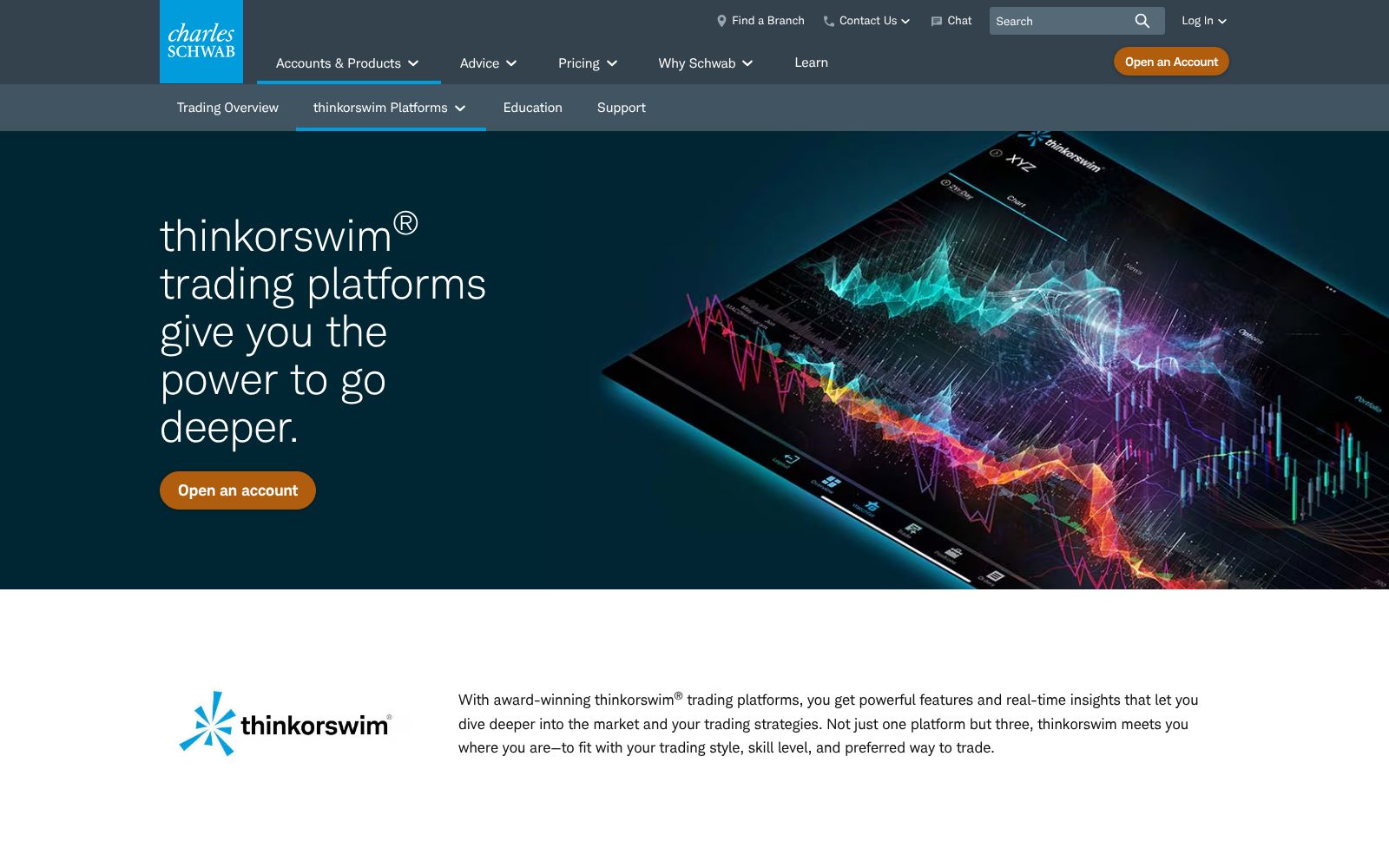
thinkorswim is the most capable free platform there is. It's also slow to scan, and the reason is structural: on Schwab's servers, scans sit behind real-time data in the queue. Build a scan below, run it, and watch what that costs during a fast open.
The complaint that never goes away
“You'll NEVER get lightning fast scans during the standard trading day if the scans are large or complex…”
useThinkScript forum · echoed across TOS user communities
1. What are you scanning?
2. How many filters?
3. When are you running it?
thinkorswim Stock HackerFree0.0s
Waiting to run.
Real-time scannerPaid tier0.0s
Waiting to run.
$RUNR+0.0%$12.00
Speed fix for your setup
$0free with a Schwab account
3 to 5 minuser-reported scan refresh
Minutesuser-reported watchlist lag
No $25kthe old PDT minimum is gone
The fair verdict: for options analysis, thinkScript, paper trading on live data, and swing setups, thinkorswim has no free peer, and the scan lag genuinely doesn't matter. For hunting fast movers at 9:35 AM, it's the wrong tool, and no setting fixes that because scans are deprioritized behind live data by design. Scan smaller universes during the session, save the big scans for premarket, and pair it with a dedicated real-time scanner if intraday momentum is your game.
Simulated at 8x speed so you don't wait four real minutes. Schwab does not publish a scan refresh interval; timings here are modeled on user-reported 3 to 5 minute refresh windows, and your results vary with server load.
Editorial Deep Dive
Thinkorswim Scanner: The Stock Hacker Playbook Nobody Wrote
How the free thinkorswim scanner (Stock Hacker) works, its 25-filter setup, real cost, alerts, and where scan lag actually matters. Full 2026 breakdown.
thinkorswim is the strongest price-to-value proposition on this site, which is why that pillar scores a perfect 20. Every Schwab client gets the full desktop, web and mobile suite for no platform fee, with no account minimum, $0 online equity commissions, over 400 technical studies, thinkScript for building your own indicators, paperMoney simulated trading on live data, and OnDemand market replay. Programmers and power users who know it deeply call it one of the most powerful retail platforms available, and 325,000+ App Store ratings averaging 4.7 back the community verdict of 18.
The Watch-Out
Usability scores 13 because the depth cuts both ways: new traders consistently describe the desktop platform as intimidating, and even loyal users say the look is showing its age. The sharper limit for day traders is Stock Hacker. Scans run on Schwab's servers, Schwab publishes no refresh interval, and experienced users report results lagging real-time charts by minutes at the busiest moments, which is exactly when a scanner matters most.
Who It's For
Hover, tap, or focus a card to see who we'd point at this tool — and who should walk away.
Who this is for
The traders who get the most out of thinkorswim.
Flip to see the list
Who this is for
Traders who want institutional-depth tools without a platform fee
Options and futures traders who need real analysis in one place
Anyone learning: paperMoney simulates trading on live market data
Tinkerers who will build studies and scans with thinkScript
Who this isn't for
Where thinkorswim is the wrong spend.
Flip to see the list
Who this isn't for
Speed-critical scalpers who need scan results in seconds
Beginners who want a simple app; the desktop is dense by design
Anyone unwilling to open a Schwab brokerage account to get it
Traders on older iPhones and iPads the current app no longer supports
The Pain It Solves
A real complaint from the trading forums, and what this tool actually does about it.
—
useThinkScript forum
“You'll NEVER get lightning fast scans during the standard trading day if the scans are large or complex...”
Source: useThinkScript forum
The fix
thinkorswim
That is the trade-off in plain sight: scans run server-side and sit below quote delivery in priority, so complex scans during the open are slow by design. The workable answer is to keep intraday scans small and simple, lean on dynamic watchlists for monitoring, and treat Stock Hacker as a candidate finder for intraday and daily trends rather than a race-the-tape alert engine.
What Users Say
Sentiment pulled from two independent sources, kept separate so you can weigh each one yourself.
“I love TOS and do TONS of programming for people with it. I truly think it's one of the most powerful charting platforms out there if you use all the features. I can be an intimidating software for new traders though.”
“As it currently functions, TOS scanners are not suitable for real-time scans or plays relying on speed. It’s more useful for intraday or daily trends.”
Desktop, web and mobile with any Schwab account. No platform fee, no account minimum. $0 online commissions on listed stocks and ETFs; options are $0.65 per contract. Real-time exchange data subject to exchange agreements.
Prices change. Check the vendor’s page before you buy.
Pros and Cons
What works
Free with any Schwab account: no platform fee, no account minimum
Over 400 technical studies plus thinkScript for custom indicators and scans
paperMoney simulated trading and OnDemand market replay are built in
Covers stocks, ETFs, options, futures and forex, with 24/5 trading on 1,300+ symbols
Desktop, web and mobile versions share the same core platform
What doesn’t
Stock Hacker scans can lag real-time charts by minutes during busy sessions, and Schwab publishes no refresh interval
Steep learning curve; the interface intimidates new traders and looks dated to veterans
Requires a Schwab brokerage relationship; there is no standalone subscription
Recent app updates dropped support for older iOS devices, locking some users out