TradingView EUR/USD Chart Setup: 5 Settings to Change First
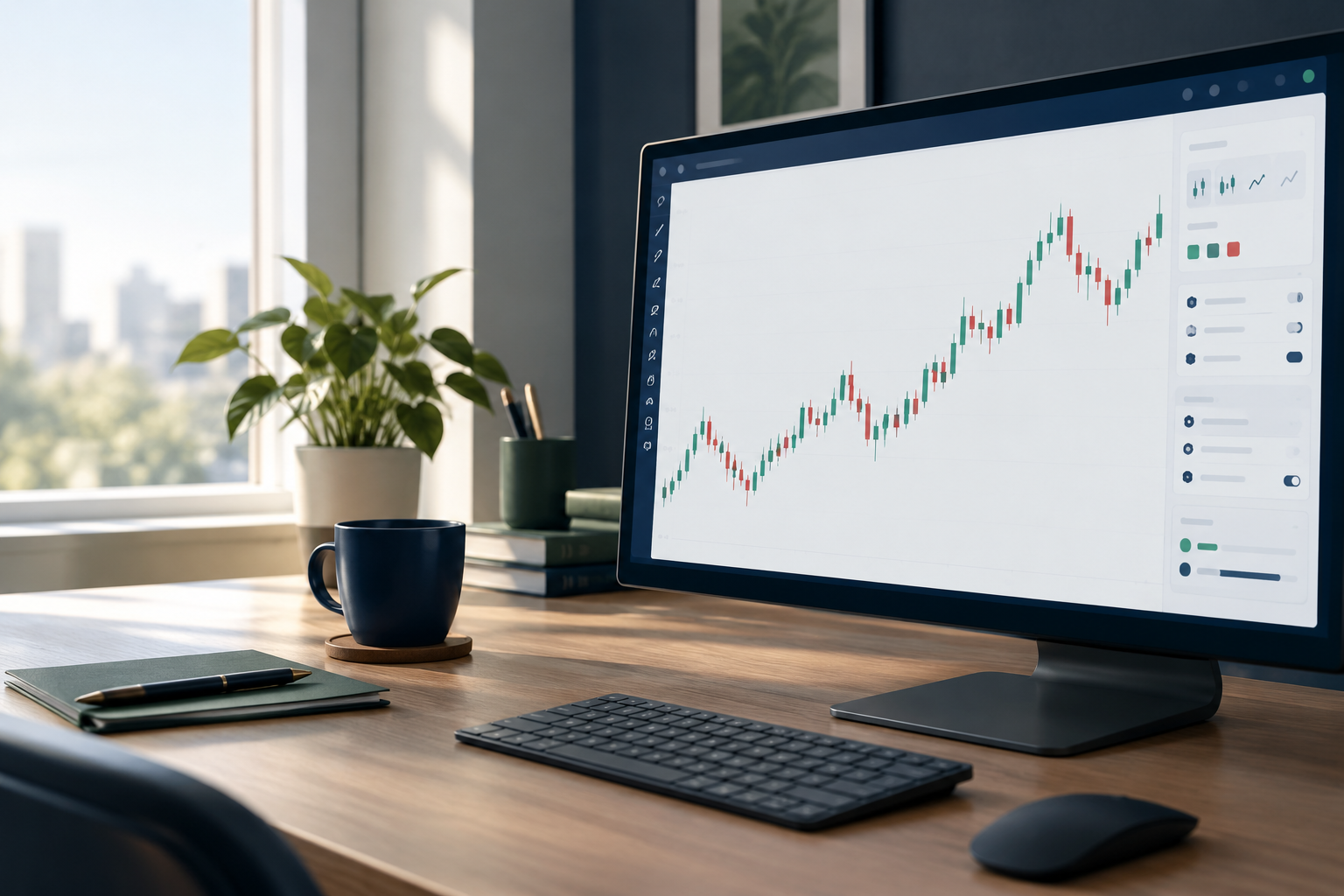
Quick answer: A clean tradingview eur/usd workspace starts with the correct EURUSD feed, standard candles, a consistent time zone, a readable scale, and restrained indicators with alerts. These settings help forex day traders and scalpers prepare before London and New York without burying price action under dashboard clutter.
Key takeaways
- TradingView hosts different EURUSD feeds; match your execution source.
- OANDA candles can differ from FX or FX_IDC candles.
- CME futures require separate contract and session checks.
- TradingView alerts need the correct symbol and trigger condition.
- FullStack Alpha recommends paper practice before live execution.
What are EURUSD pair info and key data points?
EURUSD expresses how much USD buys a euro; a rising EURUSD means the euro strengthens against the dollar. EUR/USD trading means taking exposure to changes in that exchange rate, with costs and execution depending on your broker.
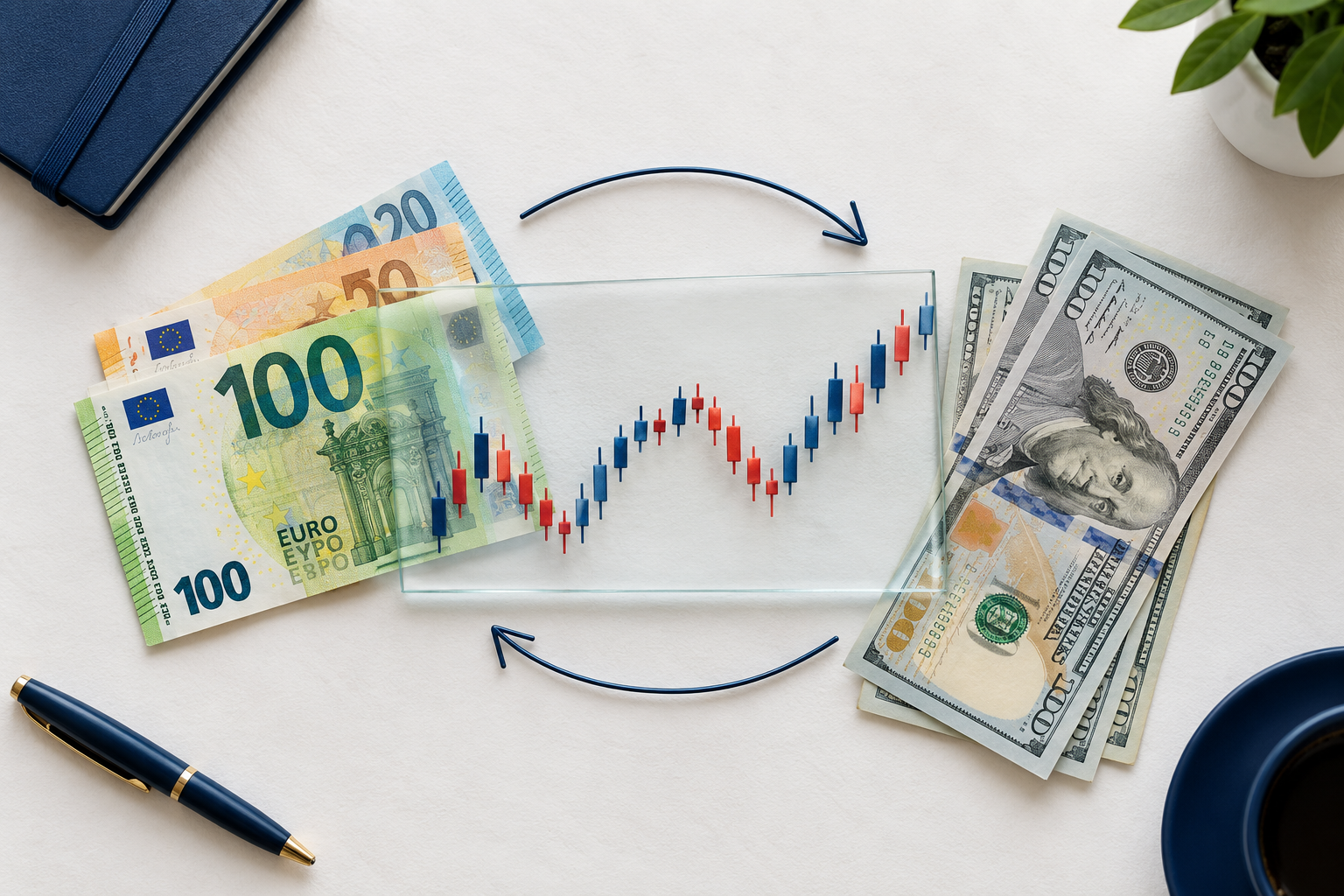
TradingView provides visualization, indicators, drawings, and broker connections. Its EURUSD page combines pair info, technicals, news, and ideas, but a displayed quote isn't automatically your executable price. 2
For tradingview eur/usd preparation, record the source, timestamp, spread, and session. The current EURUSD quote remains unverified in this article: no live feed was accessed.
Disclaimer: These are educational settings, not entry instructions. The method is FullStack Alpha desk research using public documentation, with community material treated as opinion rather than verified performance.
Keep a trading program that records entry and exit decisions. A long position benefits from EURUSD rising; a short position benefits from EURUSD falling, before costs. Neither direction deserves loyalty.
How do you open a tradingview eur/usd chart and compare EUR to USD?
Open symbol search, enter EURUSD, inspect the provider, and open the full chart. Choose the feed closest to your broker's executable quote rather than the first result carrying the pair name. 2
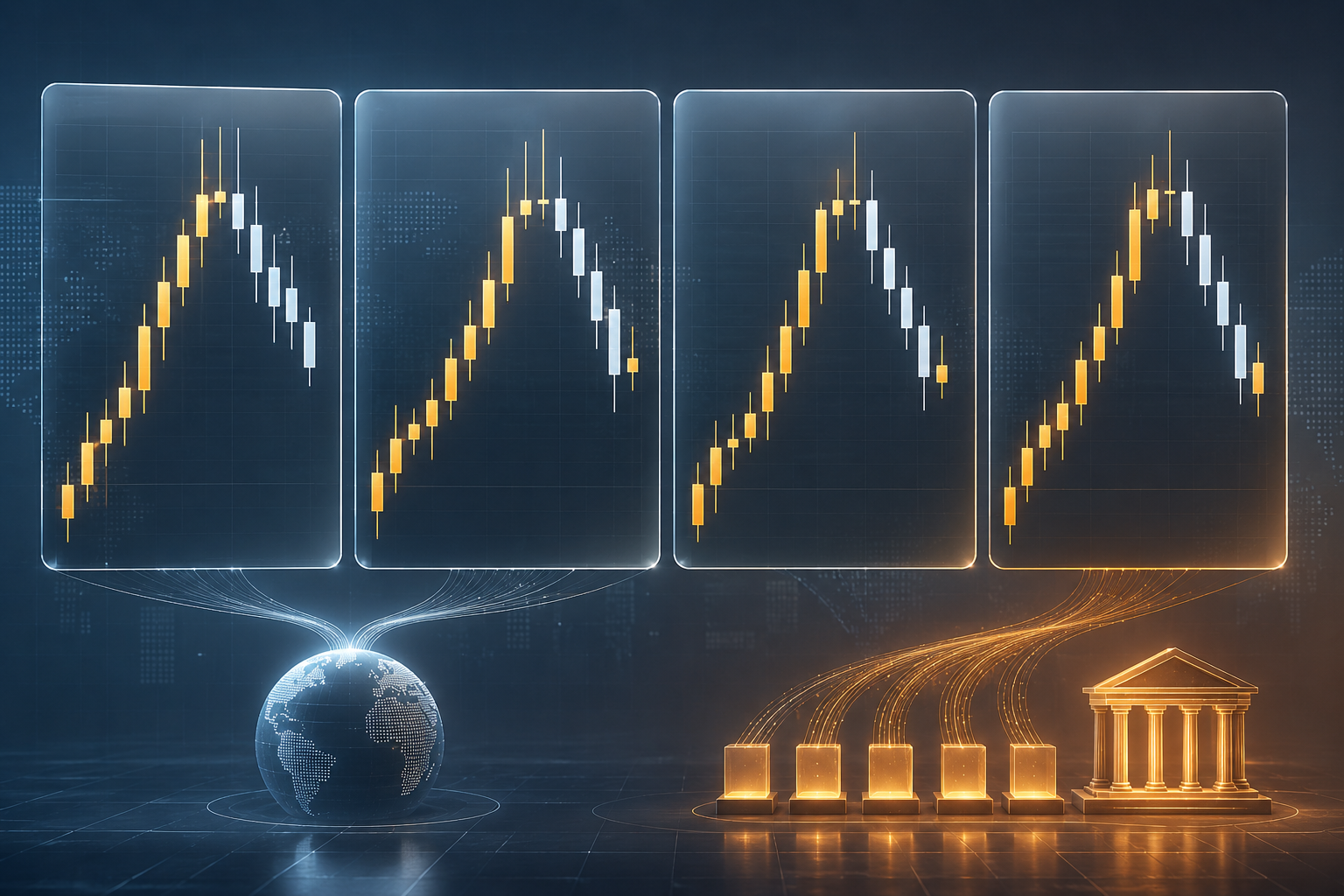
For tradingview eur/usd, FX:EURUSD commonly identifies FXCM data, OANDA:EURUSD identifies OANDA, and FX_IDC:EURUSD identifies an ICE composite. Confirm the description inside search because availability can change.
EURUSD support on one feed may differ from support on another. A wick below a zone can appear on one source while another remains above that zone. Your updated EURUSD notes should name the provider.
Compare with USD to EUR: what changes?
USDEUR reverses the quotation: it shows euros per dollar. USDEUR rising means dollar strength against the euro, while EURUSD falling expresses the same directional relationship. 7
Don't copy EURUSD support directly onto USDEUR. The reciprocal changes the scale: EURUSD resistance corresponds directionally to USDEUR support. Use the dedicated USD/EUR page when checking USDEUR. 7
Searches such as “EUR/USD live,” “EUR USD chart live,” and “EUR/USD chart live free” don't identify a provider. A current quote needs a timestamp and source. 2
Which 5 settings should you change first for tradingview eur/usd technicals?
Change the feed, candles, time zone, scale, and indicator-alert layout before assessing EURUSD structure. Save the setup so tomorrow's analysis starts with the same inputs.
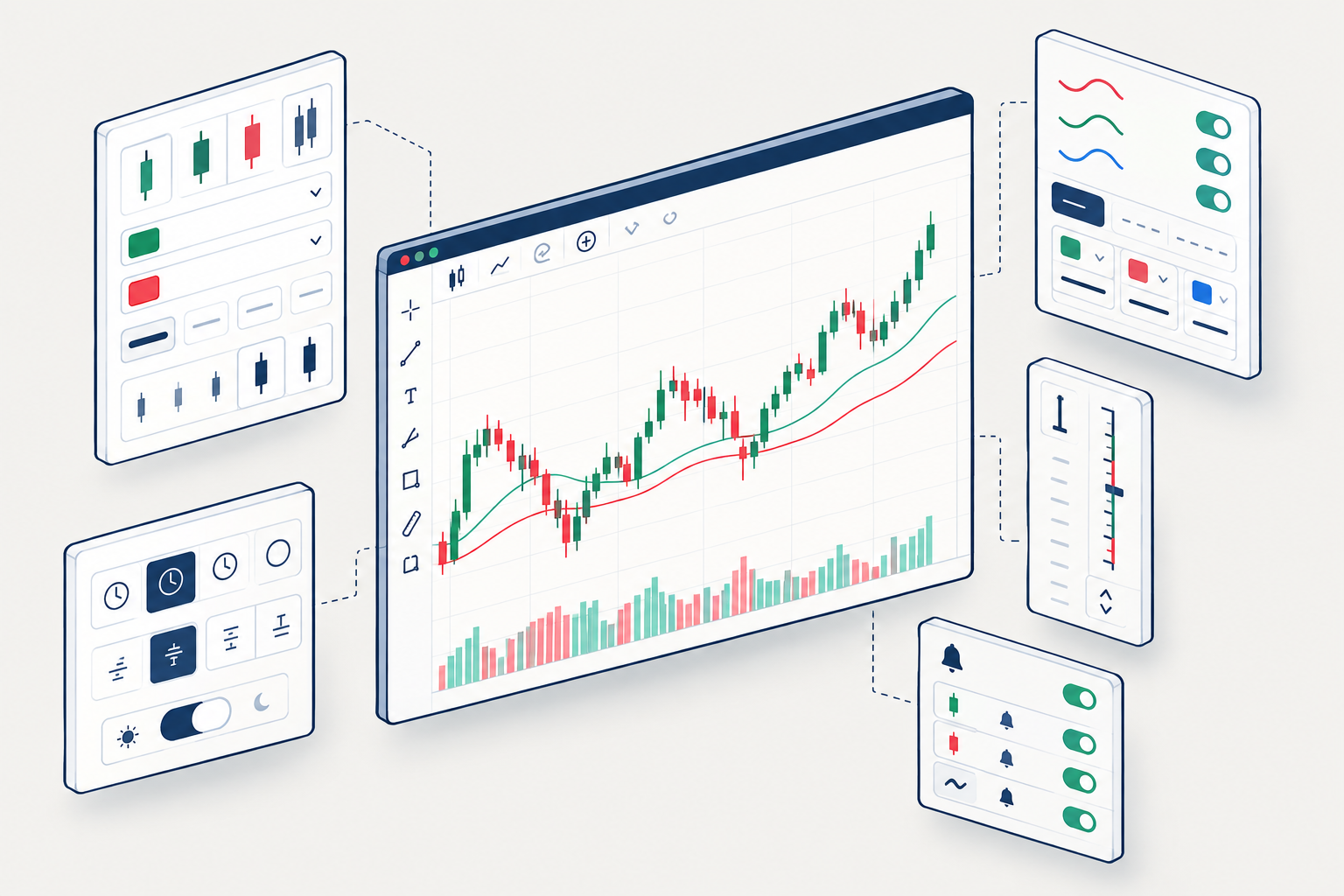
Setting 1: select the execution feed
Keep EURUSD analysis and execution aligned. Don't build a short plan around composite resistance, then assume a broker feed touched the same price.
A bearish structure remains bearish only under your stated rules. If EURUSD remains below resistance on the selected feed, record that condition without calling it a guaranteed move lower. 2
Setting 2: use standard candles
Choose Candles from the chart-type menu. Candles show the open, high, low, and close; Heikin Ashi uses calculated values, so its displayed price shouldn't define an exact order level.
Use muted bullish and bearish colors. Keep support and resistance visible. A line or area view can help with broad structure, but hides intrabar detail.
For tradingview eur/usd, a clean setup should reveal tight consolidation, meaning a narrow range, without extra overlays. Browse scripts cautiously rather than treating popularity as evidence. 9
Setting 3: align the time zone
Choose local time or UTC and use that same reference in your calendar. Mark the London and New York sessions; daylight-saving changes can alter their relationship.
Chart display time doesn't change the broker's session. An updated session template remains useful only if its clock is correct. Check desktop release notes when interface controls move. 6
Setting 4: keep the price scale readable
Start with a regular scale. Display the last price, OHLC values, and bar countdown where available. Leave space above resistance and below support.
Mark a buyer zone as an area where buying previously appeared, not a promise. EURUSD can trade below that area and stay lower. A short idea needs invalidation above its resistance zone; a long idea needs invalidation below its support zone.
Setting 5: add indicators to tradingview eur/usd sparingly
Open Indicators, search for a moving average, and adjust its inputs. There is no universally best moving average for EURUSD. Use one for context, then judge whether it helps your written process. 9
A bullish cross doesn't erase bearish structure below resistance. A bearish cross doesn't erase support beneath price. Keep the updated chart readable; analysis paralysis isn't risk management.
The table separates instruments before you compare their candles. Confirm costs and availability in your account.
| Source | Spread / volume | Session | Best use | Cost check |
|---|---|---|---|---|
| FX | Feed quotes; tick activity if the feed provides it | Provider schedule | Matching FXCM analysis | Plan and broker |
| OANDA | Broker quotes; tick activity if the broker provides it | Broker schedule | OANDA execution context | Plan and broker |
| FX_IDC | Composite; not consolidated exchange volume | Composite schedule | Broad reference | Account entitlement |
| CME 6E futures | Contract bid/ask; exchange volume | Exchange breaks and expiry | Futures execution | Exchange data and broker |
Spot EUR/USD OTC is decentralized. Futures volume isn't total spot market volume, and a continuous futures series isn't the exact expiring contract you'll trade.
Which tradingview eur/usd setup fits each trader and seasonals?
Day traders and scalpers need session context and execution detail; swing traders need broader structure. Long-term position investors can use slower views, while seasonals remain historical context rather than a current instruction. 2
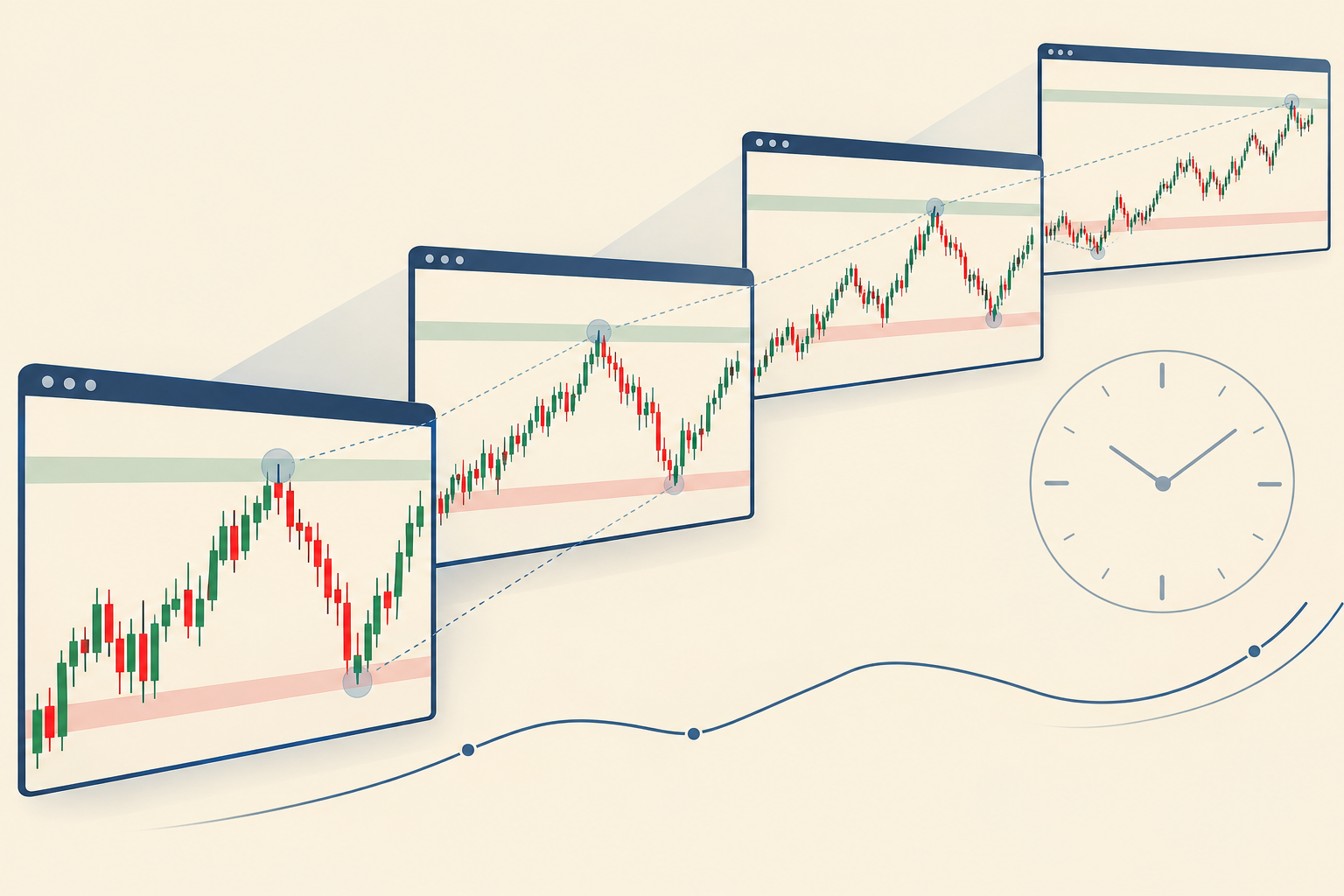
For tradingview eur/usd, choose a context interval longer than your execution interval. Short intervals reveal more movement, but also more spread-sensitive noise.
What time frame should you use for EURUSD day trading?
Use a slower view to mark support and resistance, then a faster view to inspect entry conditions. A scalper needs tighter execution checks; a swing trader can tolerate more intraday movement.
Save both views in your trading program. The day-trading tools guide and swing-trading tools guide address different workflows.
Which EURUSD chart patterns should you watch?
Watch structure, not decorative pattern names. These conditional examples aren't signals:
- Bearish continuation: EURUSD previously traded inside a support zone, broke below it, then rejected that area as resistance. The bearish case remains conditional on staying below the reclaimed area.
- Bullish recovery: EURUSD moves above resistance and holds a support zone. The bullish case weakens below that zone.
- Failed breakout: EURUSD briefly moves above resistance, then returns lower. That can form a bull trap.
- Range: EURUSD remains between support and resistance. Basing means repeated sideways acceptance, not confirmed buying.
A bearish lower high alone doesn't justify a short. A bullish bounce alone doesn't justify a long. Community examples need updated context. 2
Top 5 TradingView features for EURUSD news and related events
The most useful features are feed selection, saved layouts, alerts, uncluttered indicator panels, and event context. They help a trading program stay repeatable without pretending to forecast the market. 3
For tradingview eur/usd, keep news beside the watchlist rather than over the candles. Updated releases can move price through a zone before a manual reaction. 2
Mobile stat block: The iOS release notes identify version 2.140.0, released September 15, 2026, with settings access through Analysis Hub and a long press on the price scale. 1
Panel stat block: The September 15, 2026 update describes indicator tables in a dedicated bottom panel. That keeps the EURUSD chart area readable. 3
Indicator stat block: The September 11, 2026 Screener update lists SMA 50, SMA 200, EMA 50, and EMA 200, plus volume. Those are screening choices, not evidence of a best EURUSD setting. 3
Automation stat block: The September 16, 2026 announcement describes MCP connectivity for assistant-based workflows. Verify every resulting symbol and alert yourself. 3
A news surprise can leave a bearish plan invalid above resistance, or a bullish plan invalid below support. Keep the updated economic calendar visible. EURUSD technical summaries remain inputs, not instructions. 2
How does tradingview eur/usd compare with competitors?
TradingView suits traders who value browser-based visual analysis and shared layouts. MetaTrader 5 and cTrader suit broker-centered execution; NinjaTrader suits futures workflows, while thinkorswim suits eligible users wanting broader asset research.
For tradingview eur/usd, broker availability and product permissions decide whether switching platforms helps. Check the broker connection before paying.
TradingView free vs paid for forex charts
Start free if the available layout, indicator, and alert allowances meet your needs. Paid access doesn't automatically include every exchange entitlement, and allowances can change.
Two drawbacks deserve attention: feed differences complicate exact level matching, and subscription limits can interrupt multi-chart workflows. See the TradingView plan-limit breakdown.
Can you trade EURUSD directly on TradingView?
Yes, through supported connected brokers where your account and region qualify. A visible EURUSD symbol alone doesn't establish order-routing access. Check current integrations and broker terms. 3
For broader platform selection, the TradingView versus Finviz comparison explains the difference between chart work and screening.
How do you set alerts for tradingview eur/usd session opens?
Use session tools or calendar reminders for opening times, and symbol alerts for EURUSD conditions. A level alert doesn't become a session-open alert merely because you created it before London.
For tradingview eur/usd, confirm the source, condition, frequency, expiration, and message. Available controls depend on the alert type. Review updated platform changes before copying an old tutorial. 3
A bar-close trigger can reduce intrabar noise, but it also waits longer. Your short alert might track bearish rejection below resistance; your long alert might track bullish acceptance above support. Neither places a protective order automatically.
Why is your EURUSD chart not updating?
Check the connection, provider status, timestamp, session, and any delay notice. Compare the same feed on another device before blaming the whole market. 1 6
What common EURUSD mistakes should you avoid?
Don't move a stop loss because price approaches it. Getting stopped out can reflect normal volatility; revenge trading adds another decision without evidence.
Before a short or long order, define risk-reward and position sizing. The position-sizing calculators help separate account risk from chart enthusiasm. A bearish market can move lower after an overextended bounce; buying every lower area risks catching a falling knife.
How should you filter EURUSD community forum ideas?
Treat community posts as hypotheses with timestamps, not verified forecasts. An EURUSD bearish label can remain online after the underlying structure changes. 2
Search labels such as “market analysis eurusd,” “structure eurusd,” and “currently eurusd” aren't proof. Ask whether EURUSD previously respected the zone, whether price remains below resistance, and what invalidates the bearish case.
For tradingview eur/usd research, exclude copied navigation text. Strings such as “TradingView Search Products Community,” “Markets Brokers More EN,” “English English Select,” “Get,” “Made,” and “Terms” describe page furniture. 5 8
The chain “community social network wall love refer friend creator program house rules moderators ideas trading education editors x27 picks” describes links, not EURUSD structure. A creator program isn't a trading program. 10
Likewise, discard extraction debris: editors x27, x27 picks, x27, x27;, '; and amp, amp;, &, amp amp, amp. None measures bearish pressure.
Footer mentions of ICE Data Services, FactSet, FactSet Research Systems Inc, American Bankers Association, CUSIP Database, SEC, and Quartr concern different site services. “Market data,” “data provided,” and “provided factset research systems inc” don't identify every currency feed. 5 8
“Copyright 2026,” “Supercharts Screeners Stocks ETFs,” “Bonds Crypto,” “CEX,” “DEX,” and “Pine Heatmaps Stocks ETFs” also belong outside your EURUSD forecast. 10
Frequently asked questions about tradingview eur/usd
Live direction depends on the selected feed and observation time. These answers explain how to check EURUSD without inventing a current rate.
Is EUR/USD bullish or bearish right now?
No live quote was verified for this article, so a current bullish or bearish verdict would be invented. Check your selected EURUSD feed and interval. Higher highs with support holding suggest bullish structure; lower highs below resistance suggest bearish structure. A mixed range can justify neither directional label. 2
What is the current EURUSD exchange rate on TradingView?
The current rate is the latest timestamped quote on your selected provider's EURUSD page. TradingView can display different feeds, so there isn't a single executable quote for every user. Open tradingview eur/usd, inspect the source and any delay notice, then compare the bid and ask with your broker. 2
What is EUR/USD doing today?
Check today's open, session range, current position within that range, and scheduled news on the same feed. EURUSD may be rising intraday while remaining inside a broader bearish structure. Record whether the pair is trending, ranging, or rejecting a zone rather than reducing the entire day to one colored candle. 2
Is USD getting stronger to Euro?
The dollar strengthens against the euro when EURUSD falls or USDEUR rises. Compare the same time window before making that claim. The Dollar Index adds broader dollar context, but it measures a basket rather than this pair alone, so its movement isn't an exact substitute. 7 4
Does a bearish technical rating justify a short?
No. An EURUSD bearish rating summarizes indicator conditions and can change with the interval. A short still needs an entry rule, invalidation, costs, and an acceptable loss. If the next support area is close, the remaining room toward that zone may be inadequate for your planned risk. 2
Can scripts automate the entire EURUSD workflow?
Scripts can calculate conditions and help create alerts, but code needs inspection and execution needs separate controls. A script that identifies bearish movement toward support doesn't prove profitable execution. Paper trade it first, check repainting behavior, and keep your program from treating every alert as an order. 9
What is the prediction for EUR/USD?
Nobody can reliably predict where EUR/USD goes next, and any fixed forecast is a guess. Build your own read instead: check structure on your chosen feed, keep the economic calendar visible, and set tradingview eur/usd alerts at the levels that would change your view.
References
These are the public sources used for platform context and dated release information; live pages may change.
Id1205990992 - https://apps.apple.com/us/app/tradingview-track-all-markets/id1205990992
Eurusd - https://www.tradingview.com/symbols/EURUSD/
Whats New - https://www.tradingview.com/support/whats-new/
Tvc Dxy - https://www.tradingview.com/symbols/TVC-DXY/
jp.tradingview - https://jp.tradingview.com/
43000673888 Tradingview Desktop Releases And Release Notes - https://www.tradingview.com/support/solutions/43000673888-tradingview-desktop-releases-and-release-notes/
Usdeur - https://www.tradingview.com/symbols/USDEUR/
in.tradingview - https://in.tradingview.com/
Eurusd - https://es.tradingview.com/scripts/eurusd/
id.tradingview - https://id.tradingview.com/
Alpha Score: platform assessment
TradingView's FullStack Alpha score is 95/100. The score comes from FullStack Alpha desk research plus public user sentiment, and the pillar split is provisional. The full TradingView review provides the editorial assessment.
- Signal Quality: 19/20
- Transparency: 19/20
- Price-to-Value: 18/20
- Usability: 19/20
- Community Verdict: 20/20
The assessment favors charting quality and usability, with comparatively more friction around cost. Feed matching remains your responsibility.
Conclusion: save your tradingview eur/usd setup before the session
Save your tradingview eur/usd layout after checking the feed, candles, clock, scale, and alerts. Then rehearse a long and short scenario without placing an order.
Move toward a repeatable review: support toward the lower boundary, resistance toward the upper boundary, and invalidation before execution. Keep attention toward risk, toward consistency, and toward evidence. FullStack Alpha, also searched as full stack alpha, favors systems over hacks.
Compare tools by purpose in the FullStack Alpha AI stock tools directory.
Affiliate disclosure: FullStack Alpha may earn a commission from qualifying purchases through affiliate links.
We test the tools. You get the verdict.
One email a week. What we tested, what scored, and what we'd skip. Written for traders, not for clicks.
More from FullStack Alpha